01
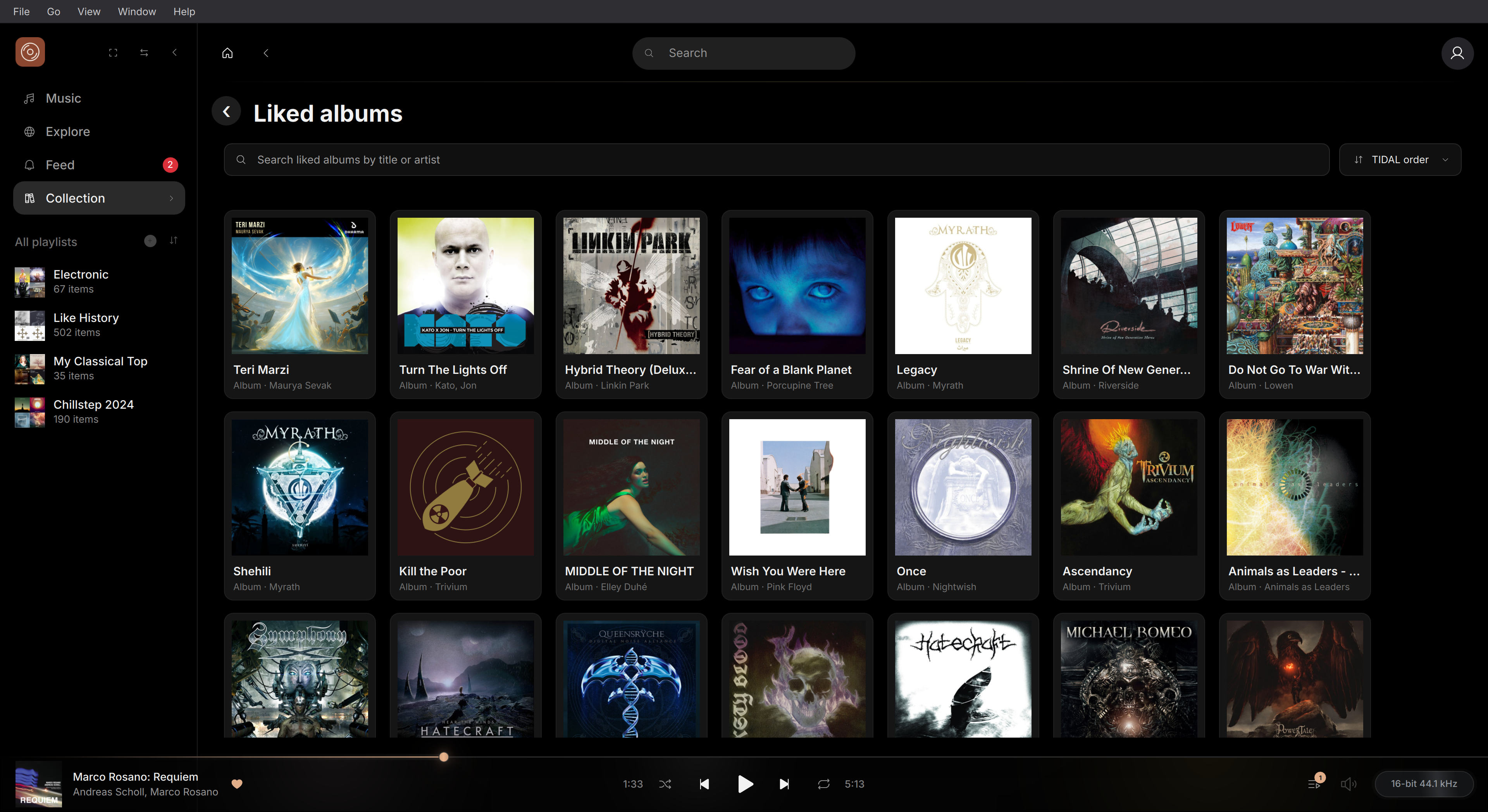
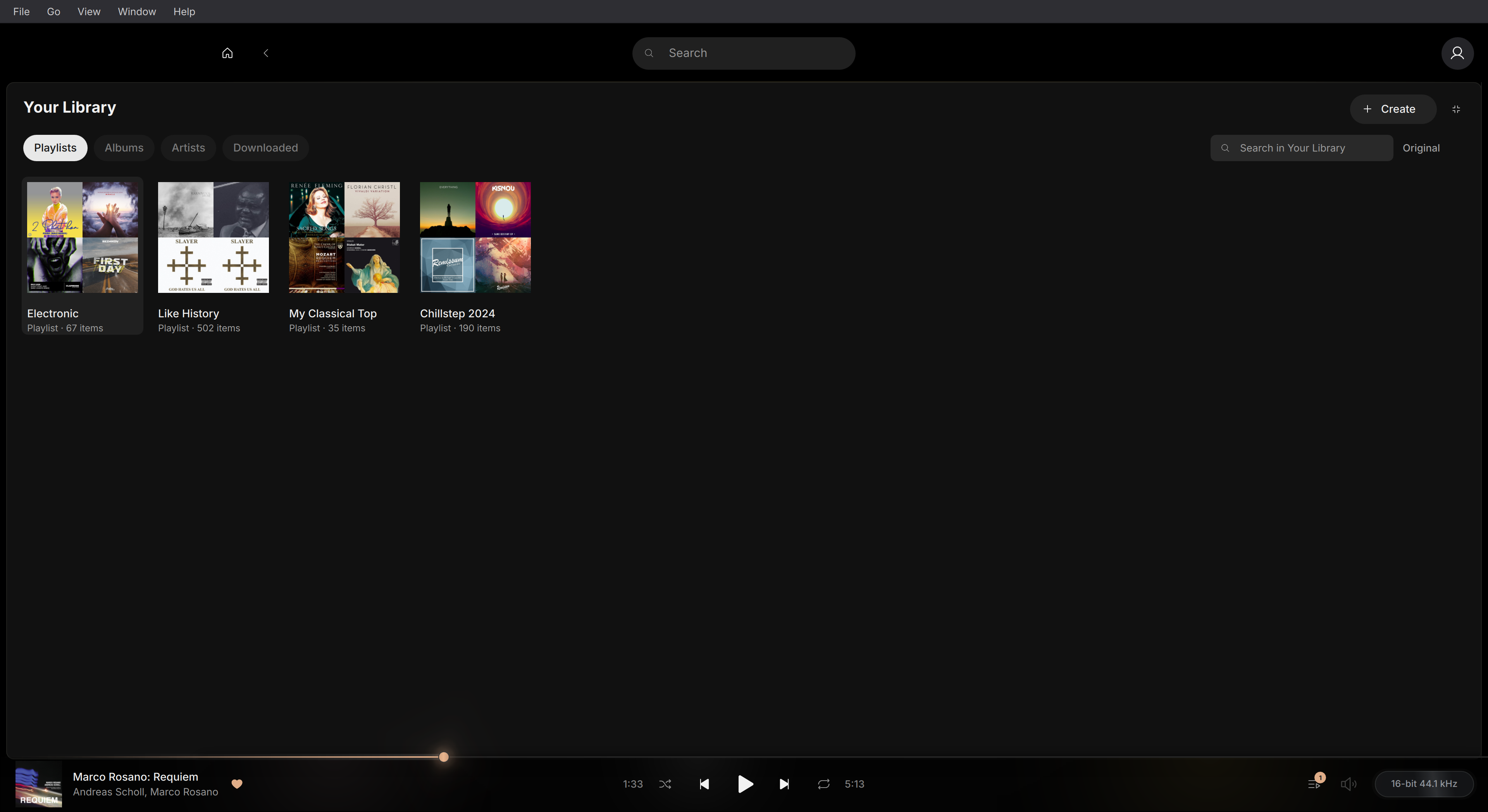
Collection & discovery
Your collection, connected.
Keep your TIDAL favourites, playlists and personal mixes close. Search for a track, album or artist whenever something comes to mind.
An independent TIDAL client for Linux
Your TIDAL favourites, albums and playlists, together in a native Linux app. Find your next listen, make it yours, and settle in.
A TIDAL subscription is required.
Linux preview availablev0.3.8
Four dark themes, two light themes. Accent colours you can make your own.
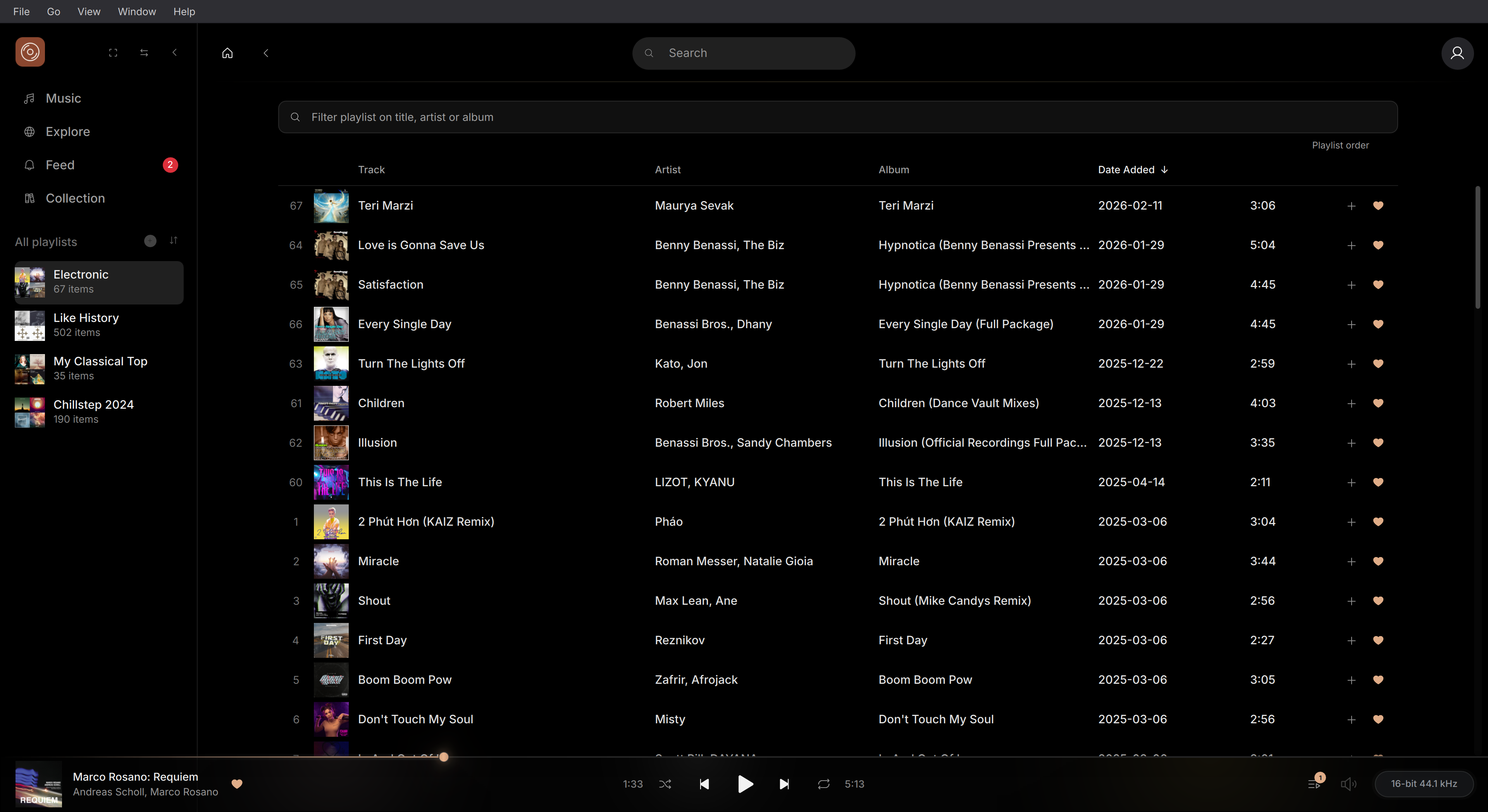
Cacao Player · LinuxInterface
Settle into your listening
From finding a new favourite to lining up the next album. A native interface that keeps your listening close at hand.
Collection & discovery
Keep your TIDAL favourites, playlists and personal mixes close. Search for a track, album or artist whenever something comes to mind.
Playlists & queue
Choose what plays next, shape your queue and save a great listening session as a playlist. There is always room for one more song.
A thoughtful return
Return to your last track and position, without automatic playback. Revisit your recent listening when you want another listen.
Native Linux
Pause with your media keys, keep Cacao in the tray, and set a sleep timer for the end of a song or the end of your evening.
Make time for listening
Music while you work. An album with your full attention. Choose the listening setup that suits the moment.
Explore listening modesA closer look
Browse your collection, build a queue and choose your next album.
FAQ
Clear answers about this website, your TIDAL account and local listening history.
No. There is no TIDAL sign-in on this website. To listen, sign in to your own TIDAL account in the Cacao player.
No. The website cannot read your TIDAL collection or listening history and uses no analytics or advertising trackers. The hosting server still receives technical request data, such as your IP address.
The player stores Recent listening history on your computer. Turn off Save listening history in that section to stop adding entries; existing entries remain. TIDAL separately applies its own privacy terms.
Your chosen language is saved in this browser. Change it in the header or clear this website’s data to reset it. This preference does not use a cookie.
Cacao is free to download and use. Listening requires your own TIDAL account and subscription.
No. Cacao is an independent Linux client and is not affiliated with, endorsed or supported by TIDAL.
Your collection, your queue, your next favourite. Make room for Cacao on your Linux desktop.
Download for Linux